ARTWORK AUTOMATION · PLEX · JELLYFIN · EMBY · SILO (EXPERIMENTAL)
Make your library
feel like yours.
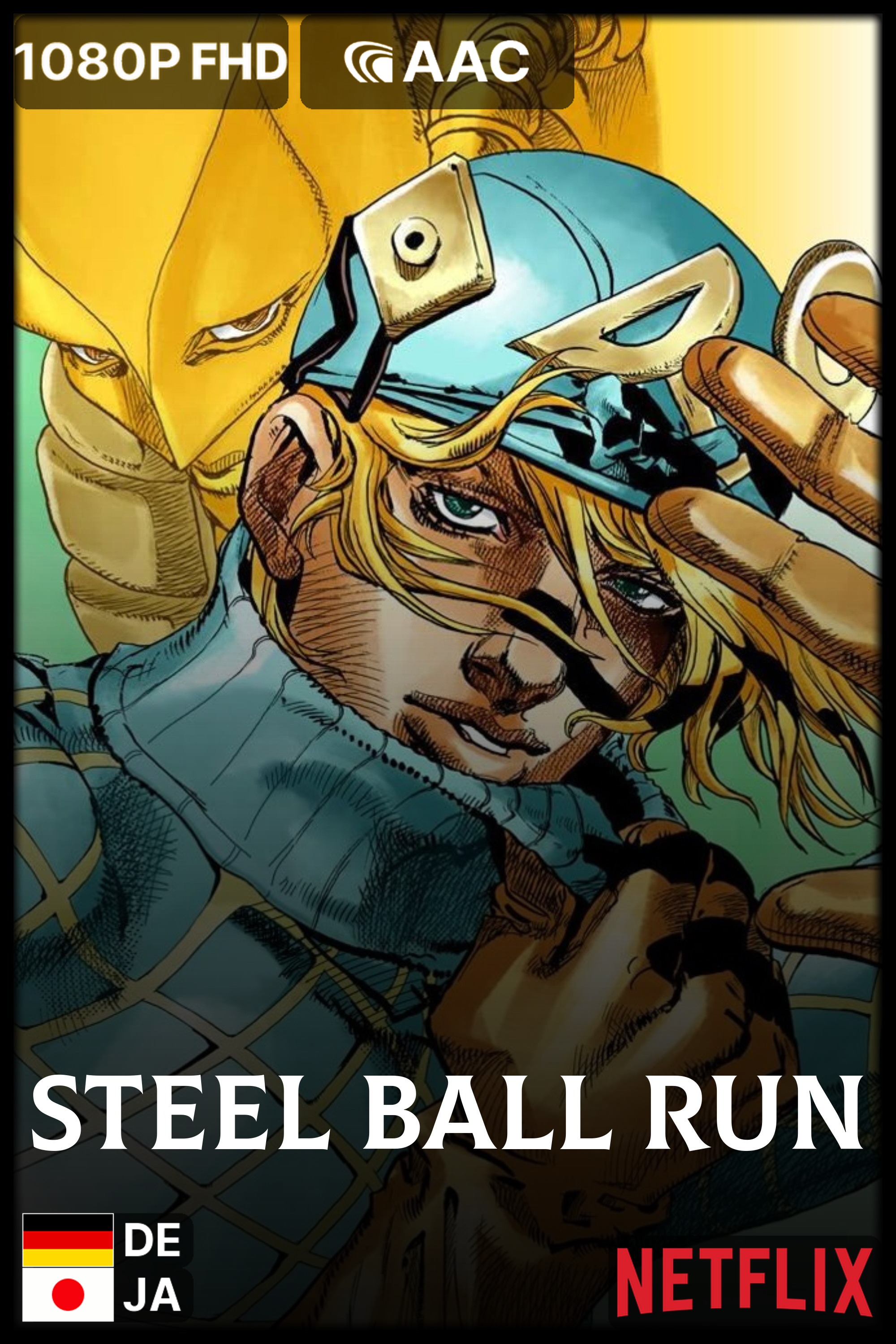
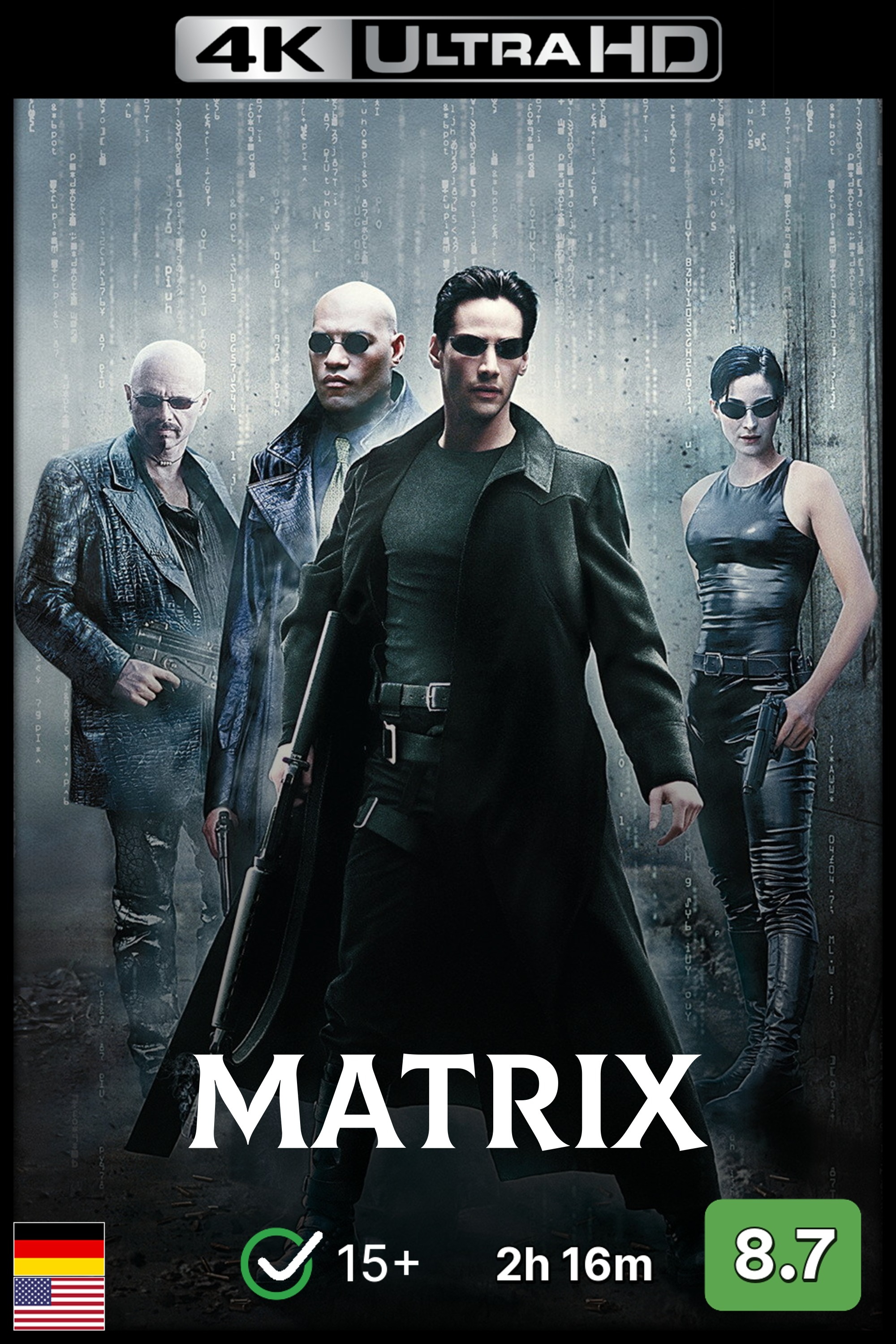
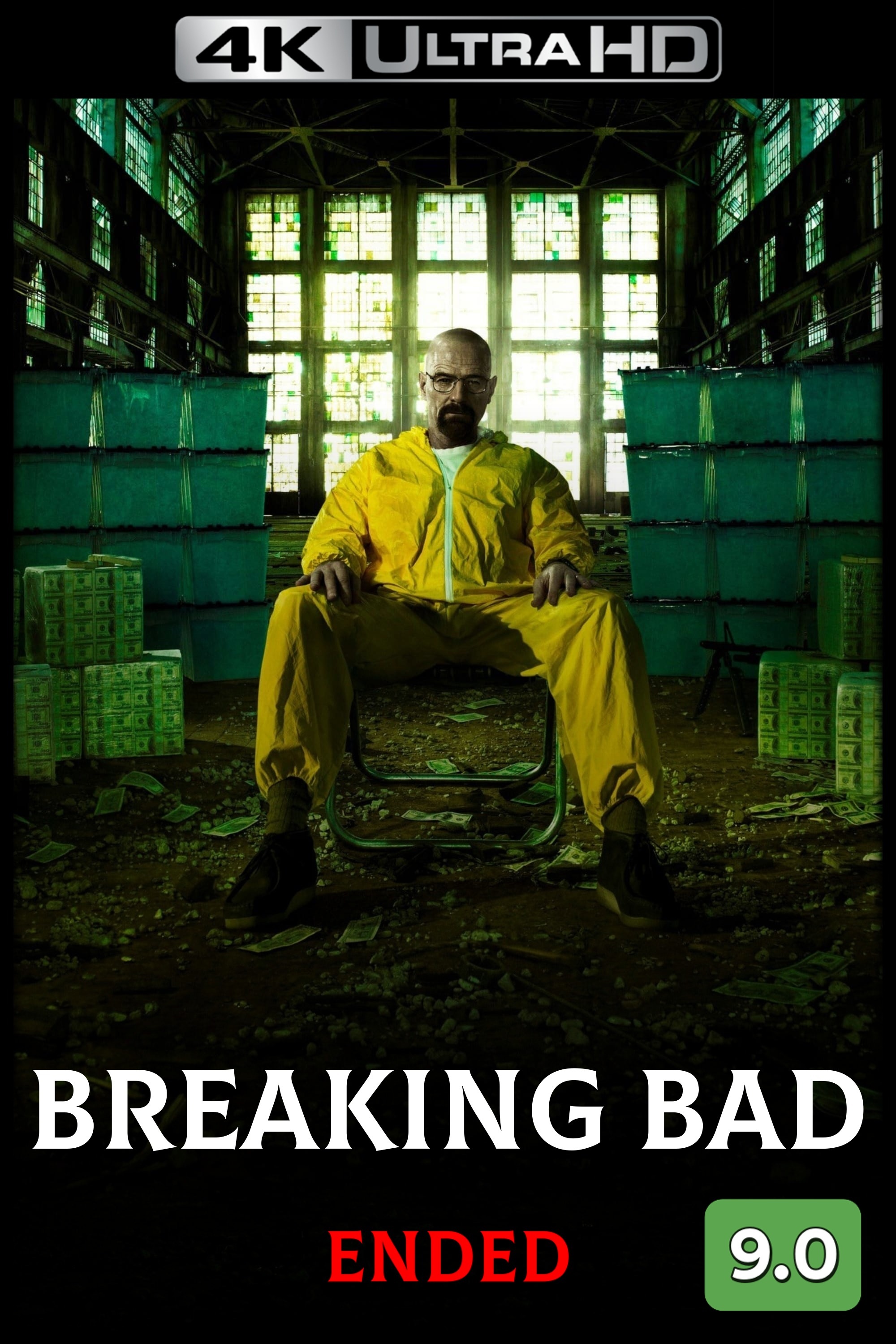
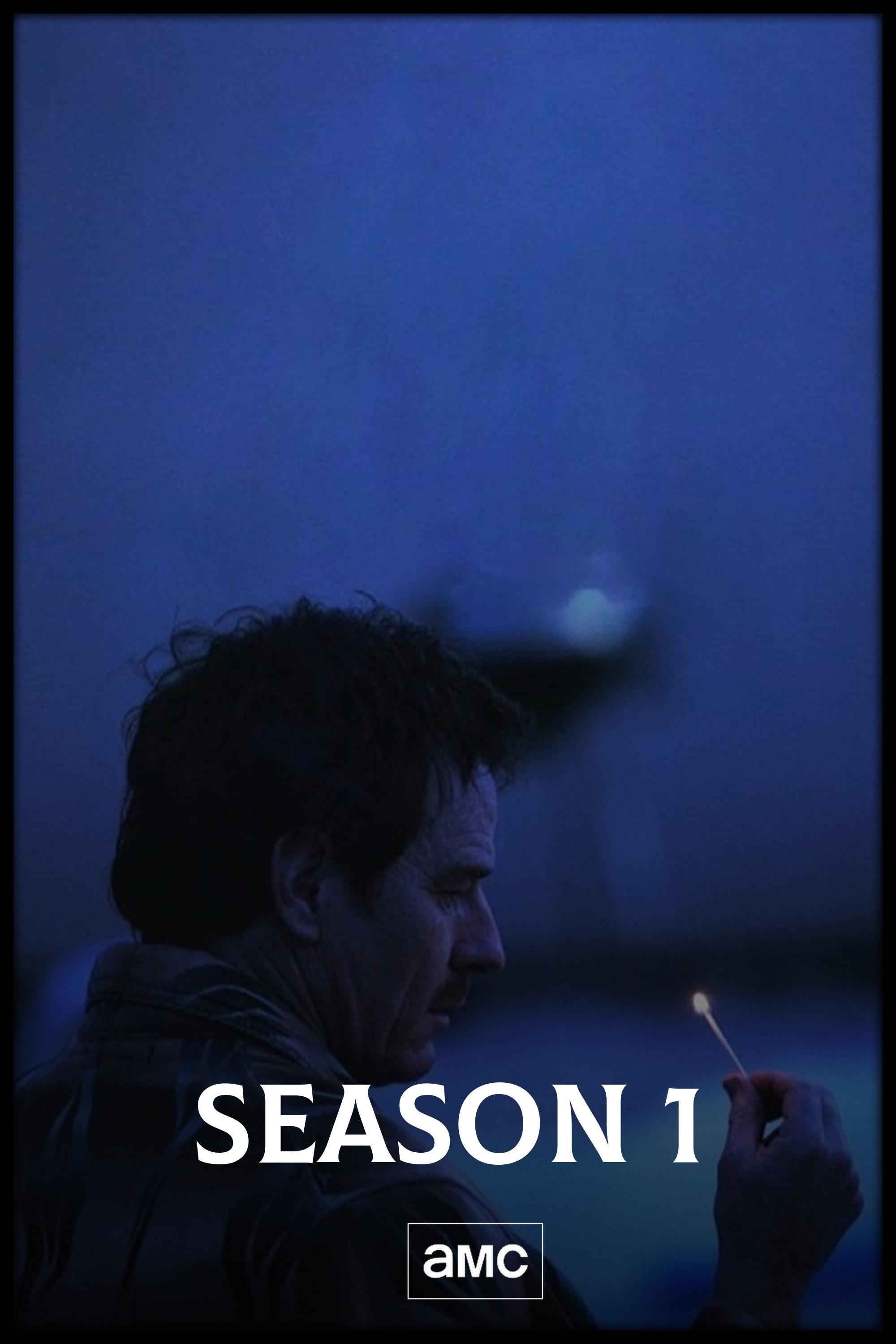
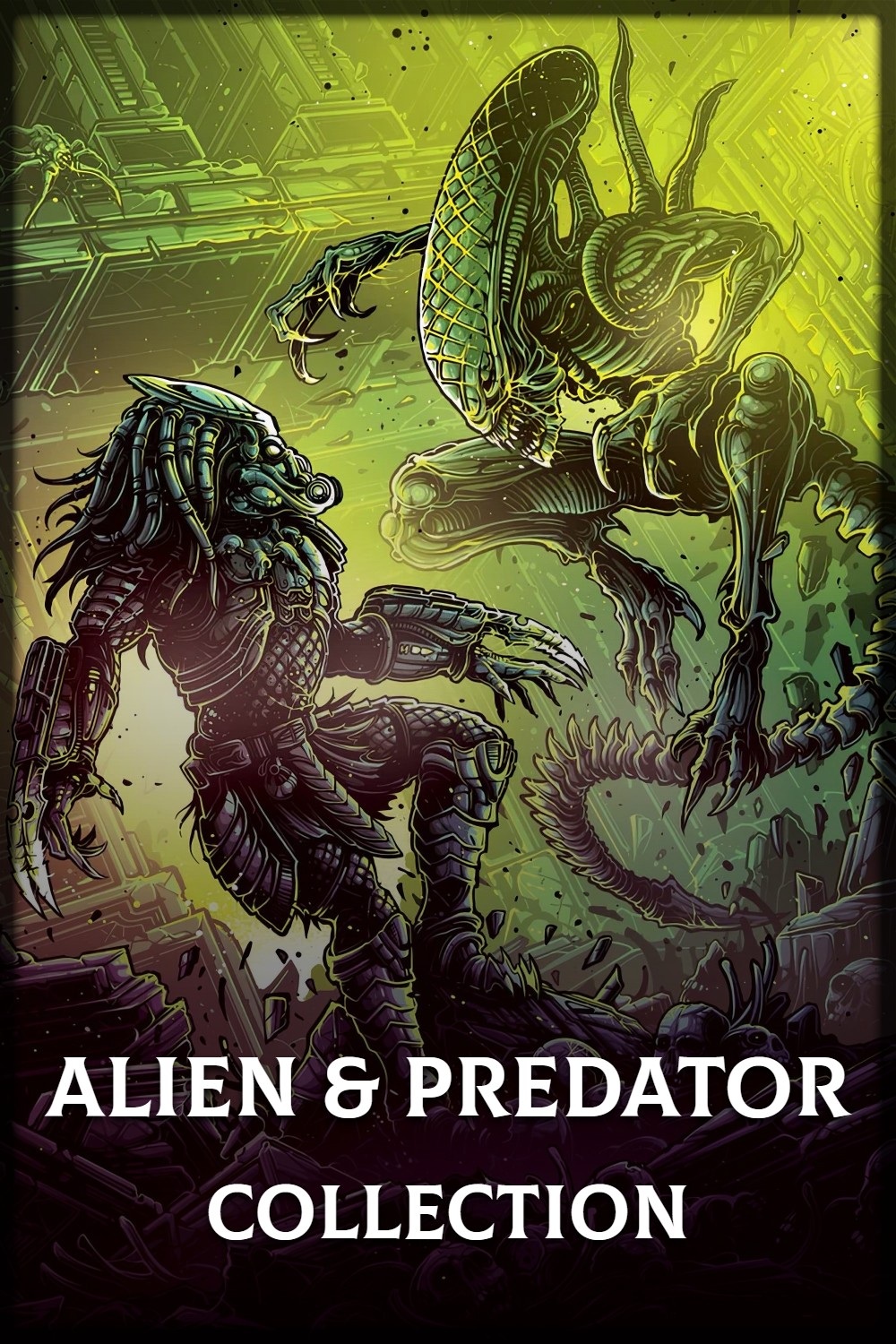
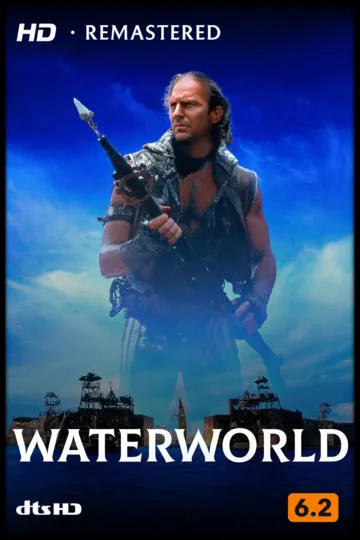
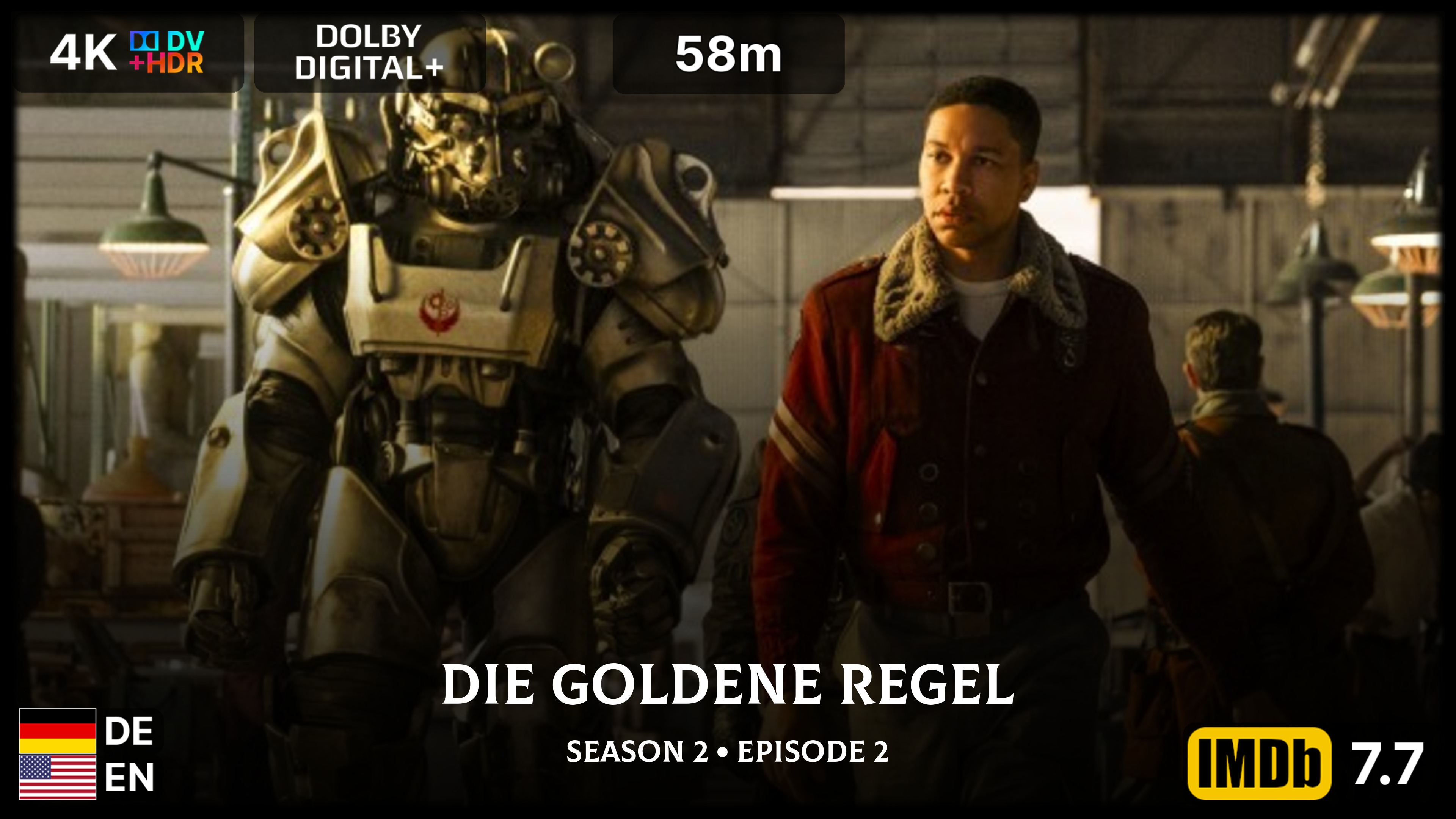
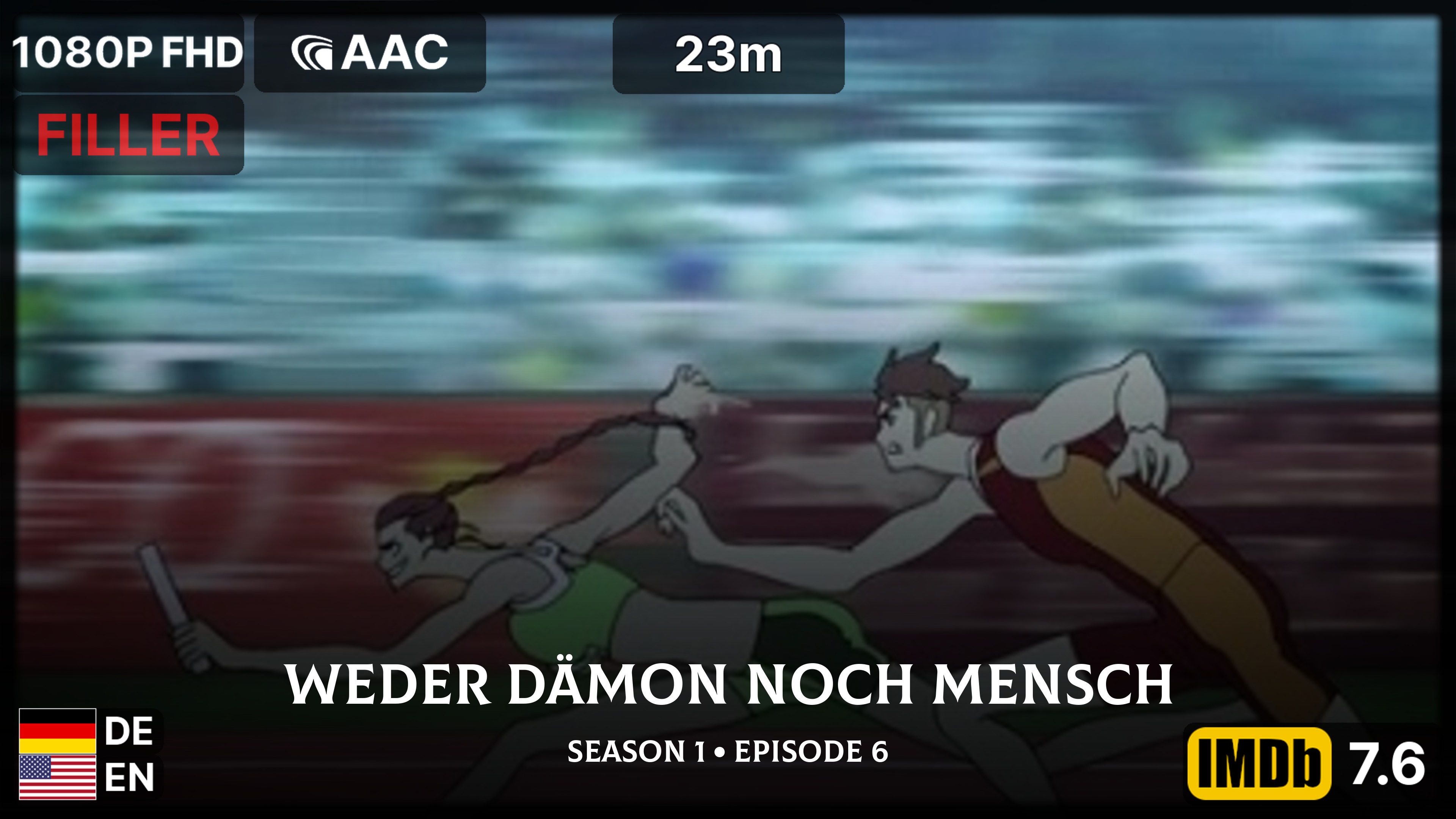
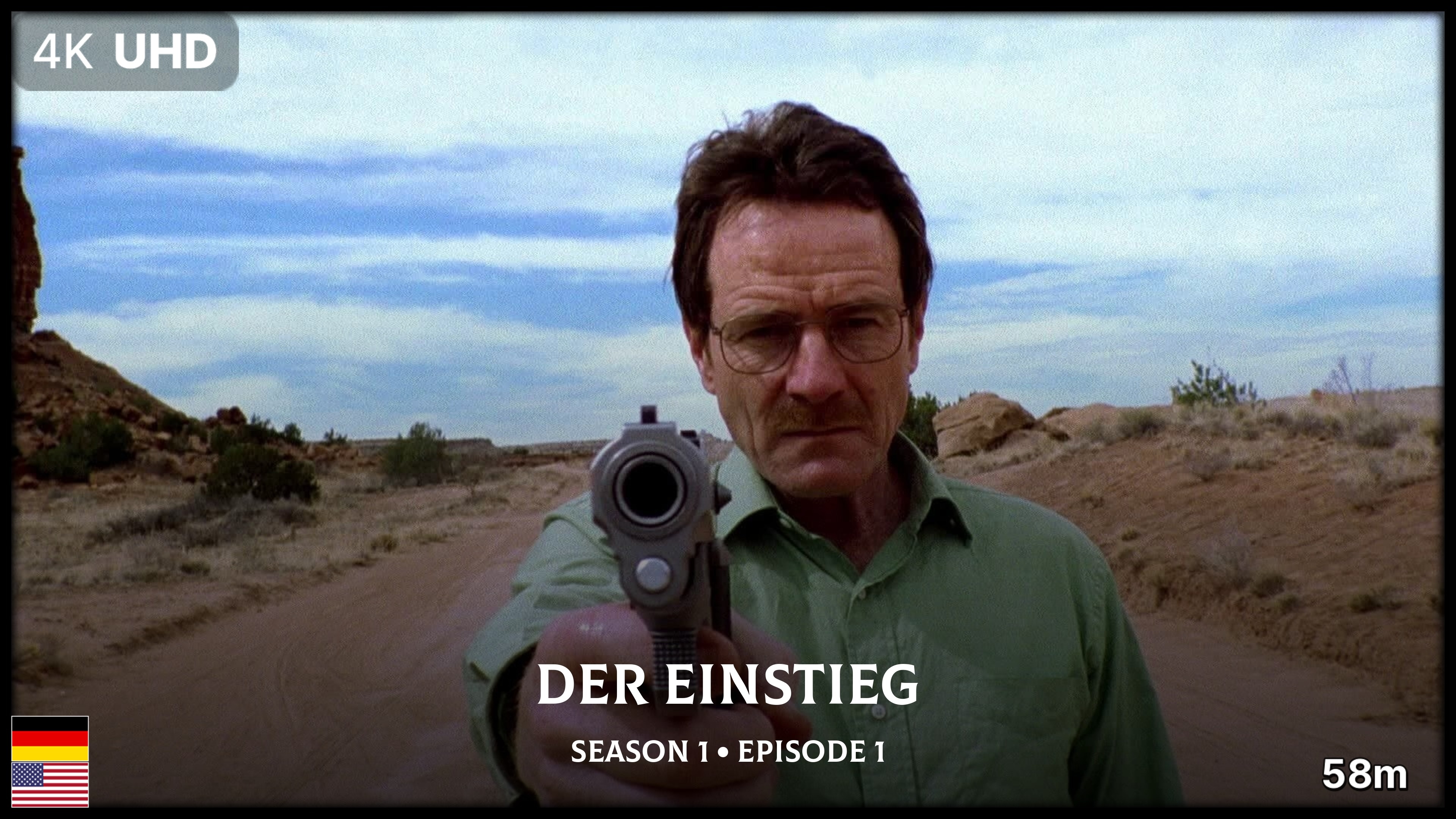
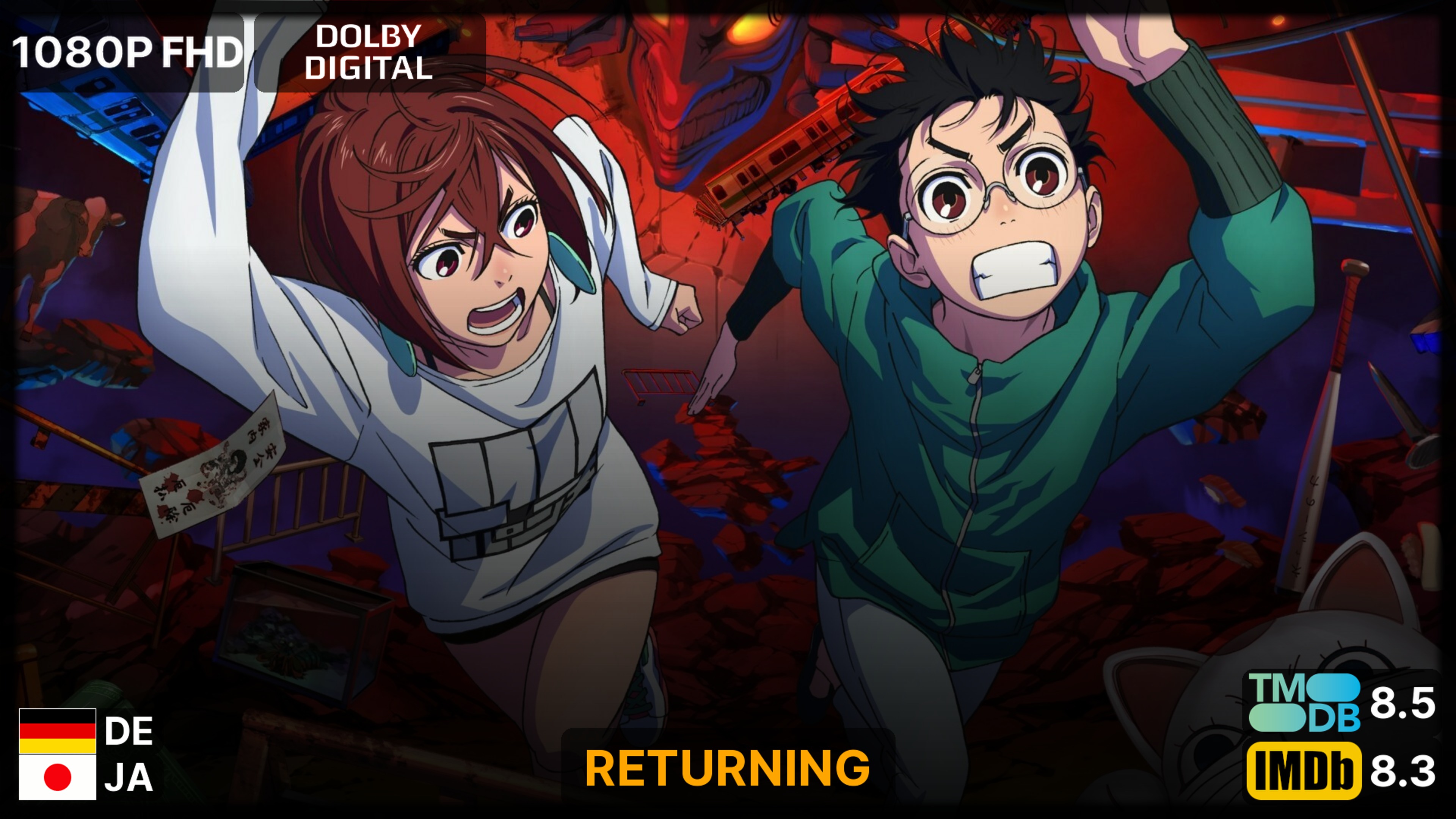
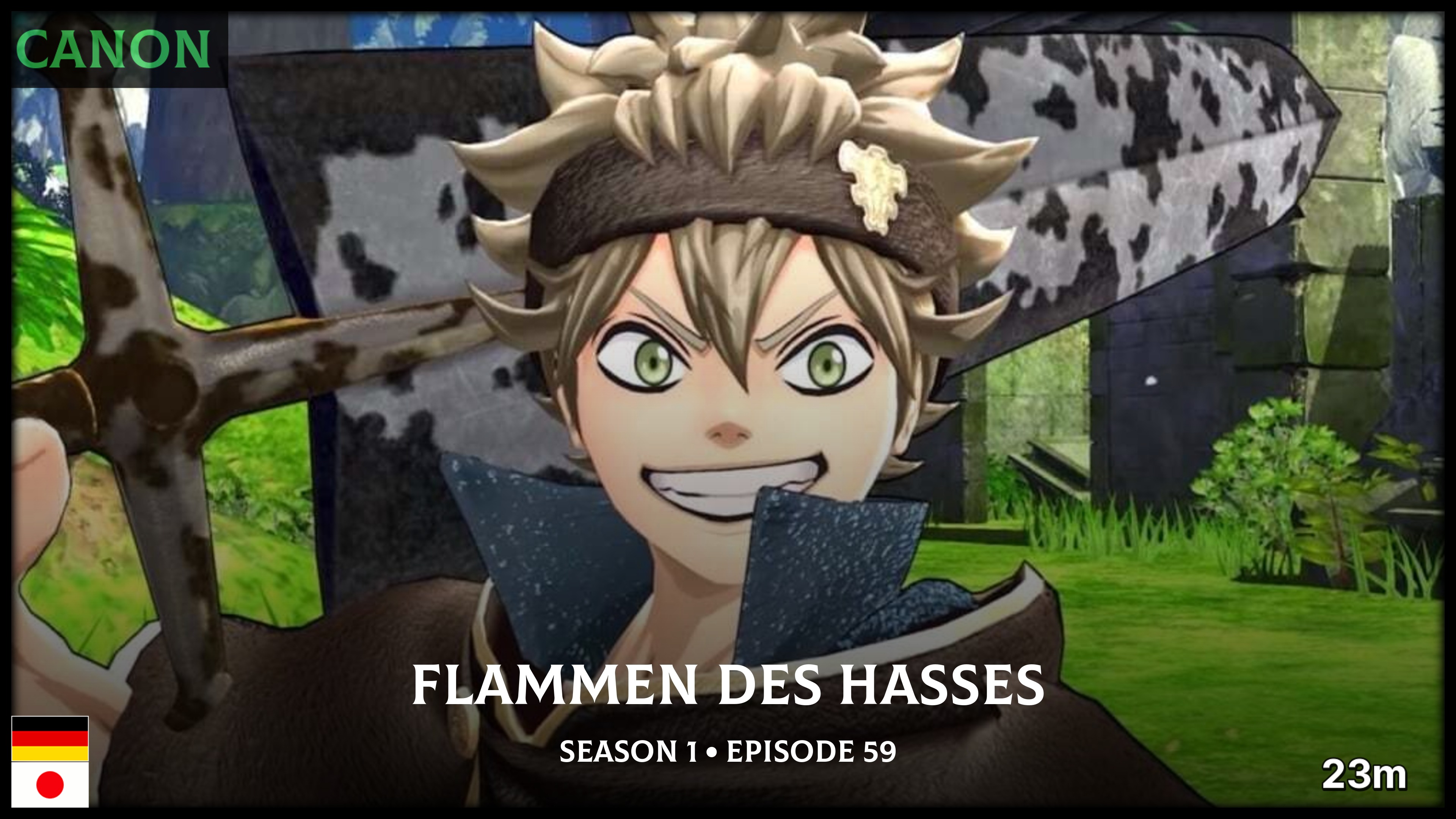
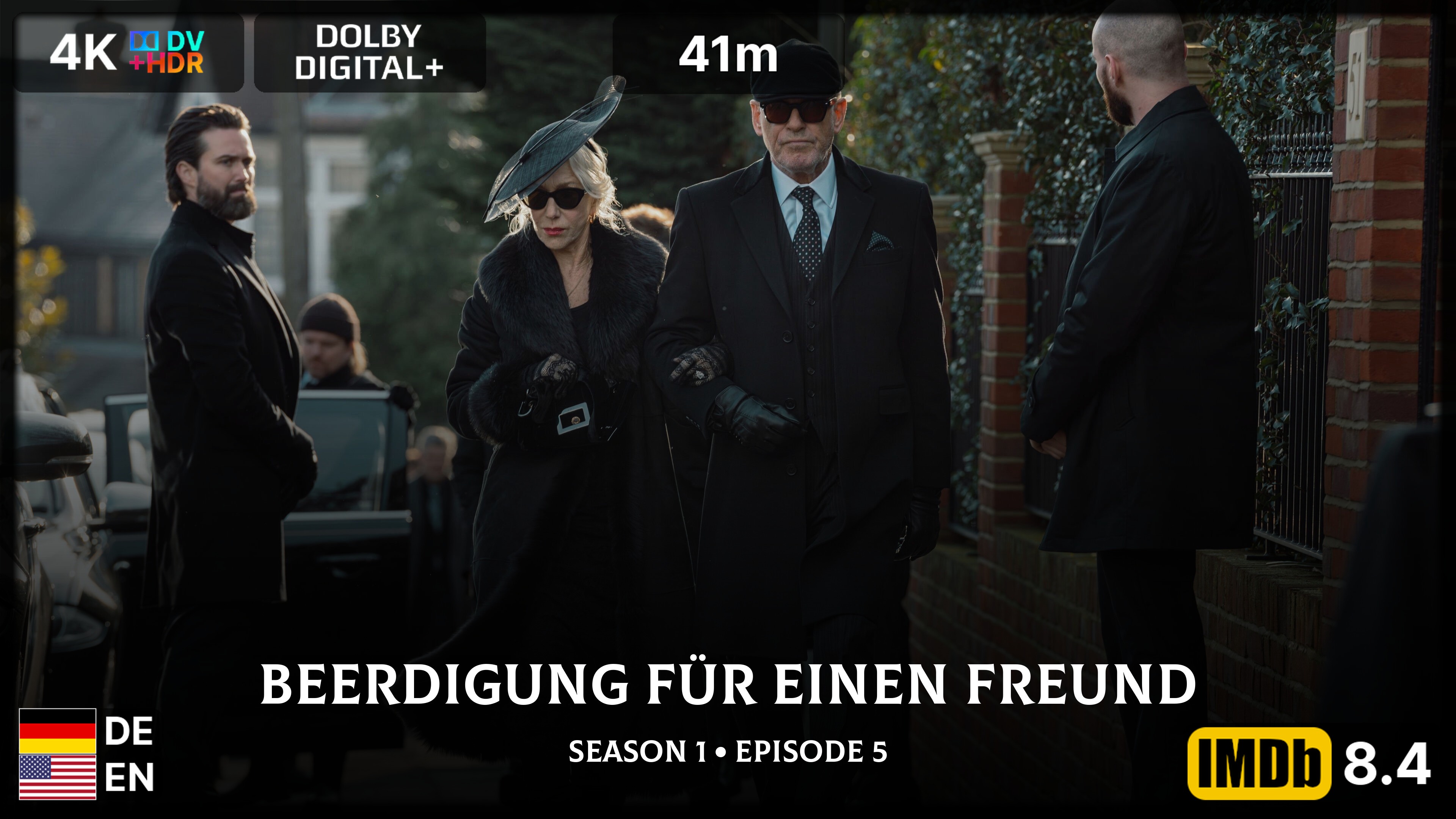
Choose the look for each artwork type once. Posterizarr keeps generating matching posters, seasons, backgrounds, and title cards. Add Dynamic Overlays on top for ratings, resolution, language flags, and more.
Support Posterizarr on Ko-fi · Join the Discord community







New to Posterizarr?
Start with the short setup path: choose an installation method, connect one media-server library, and test the result before enabling uploads or automation.
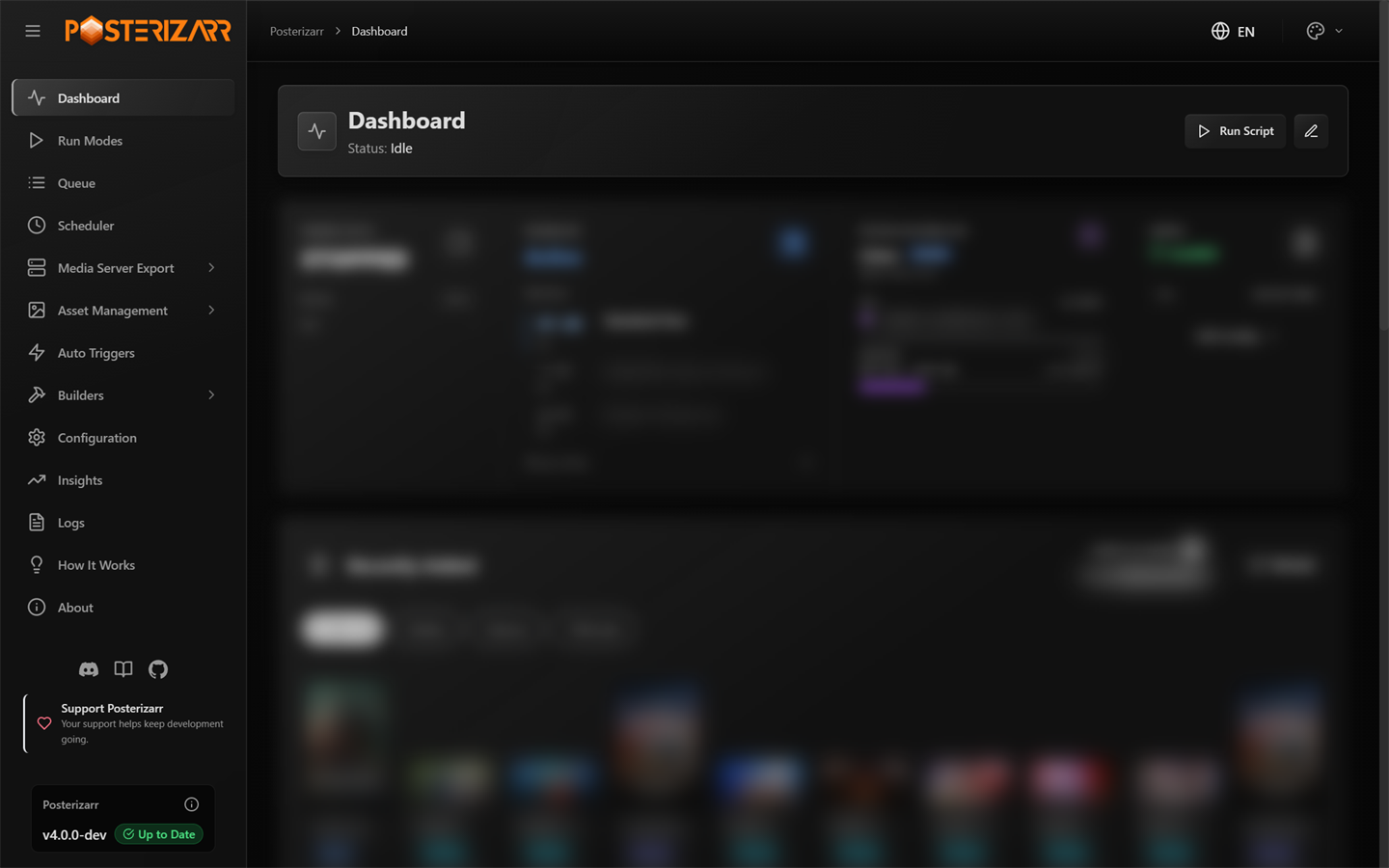
Navigate to Dashboard in the left sidebar after the Web UI opens. Use the sidebar to reach setup, artwork, automation, and history views.
- Choose an installation method and open the Web UI.
- Follow First-time setup to connect a server and configure providers.
- Run a safe Testing Mode sample before processing a library.
- Use the Web UI map to locate everyday tasks and the configuration reference for individual settings.
What Posterizarr Does
Posterizarr creates and manages posters, season posters, backgrounds, title cards, and collection artwork for Plex, Jellyfin, and Emby. Experimental Silo support is available but does not yet have full feature parity. Artwork sources, language preference, sizing, logos, text, borders, templates, local assets, and upload behavior can be configured by artwork type.
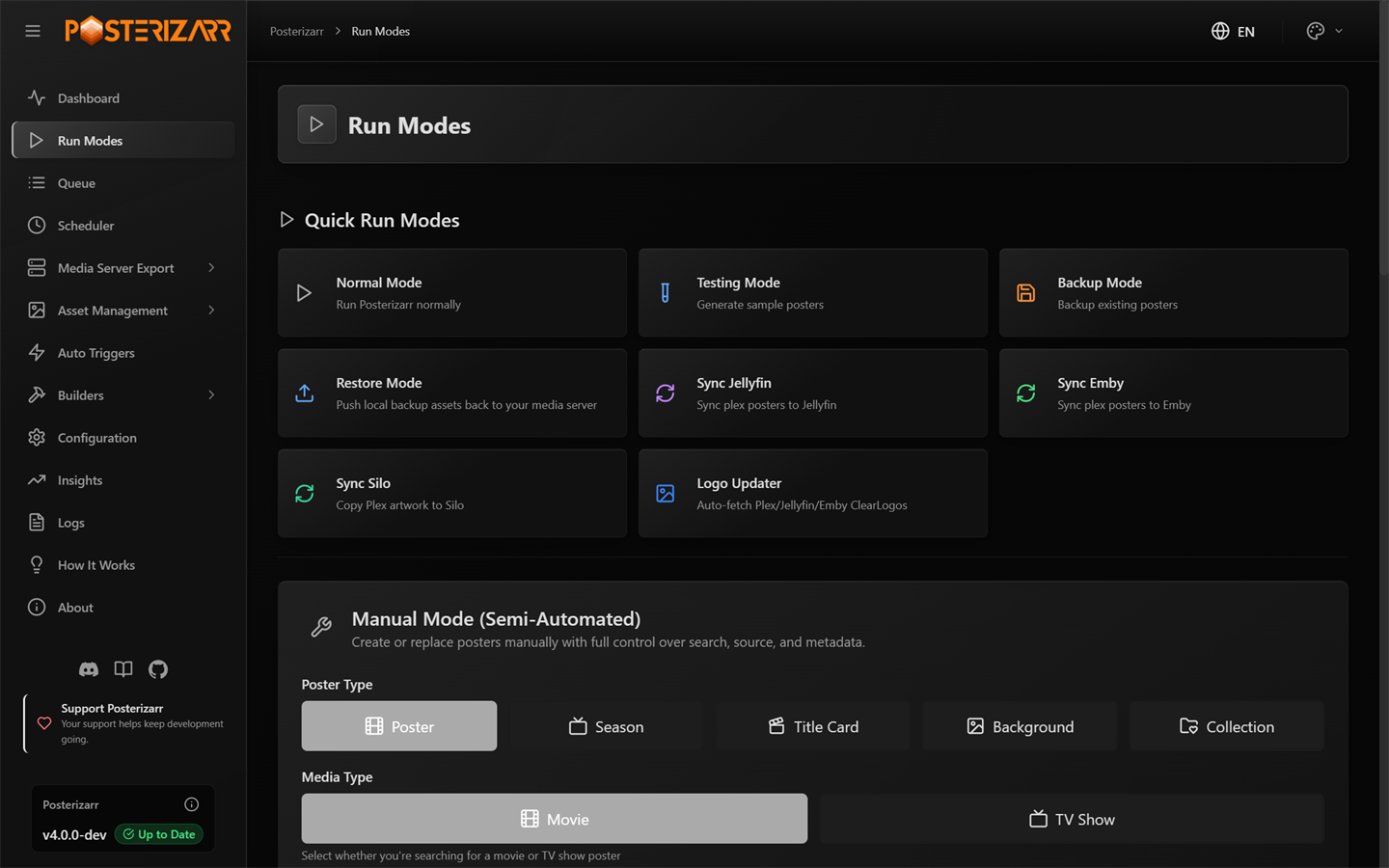
Navigate to Run Modes to test, run, back up, restore, or create one asset manually.
The Web UI also includes the Action Center, asset galleries, scheduling, webhooks, server export, logs, and Insights. See Capabilities for the complete feature inventory.
Native Dynamic Overlays
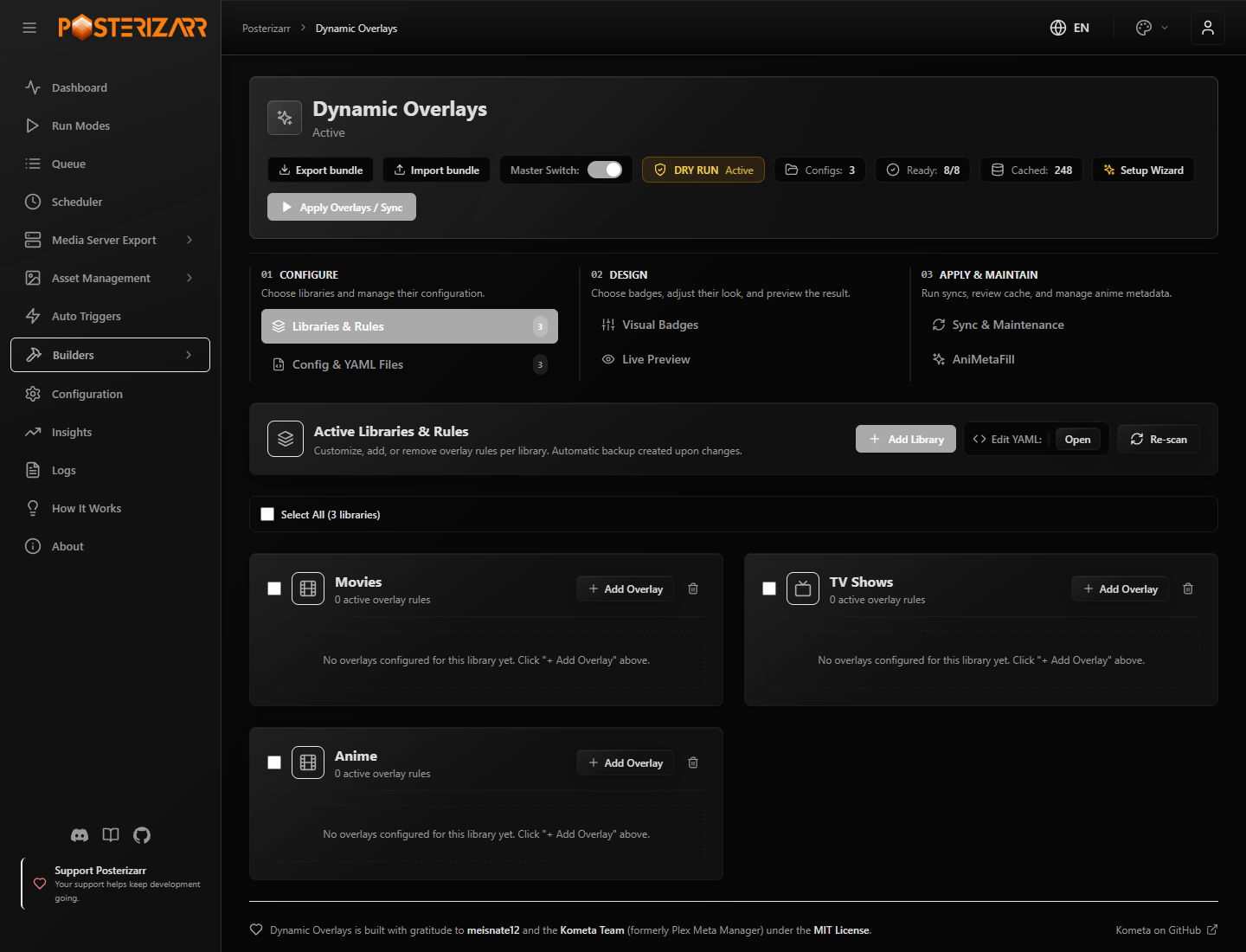
Navigate to Builders > Dynamic Overlays to configure supported rules, preview badges, and apply overlays.
Dynamic Overlays composites supported badges in memory and can upload the result directly to Plex, Jellyfin, or Emby while keeping clean source artwork unchanged on disk. Start with Dry Run. Kometa-style YAML import supports a subset of Kometa configuration; Posterizarr does not run Kometa or implement all of its features. Read the Dynamic Overlays guide.
Configure and Automate
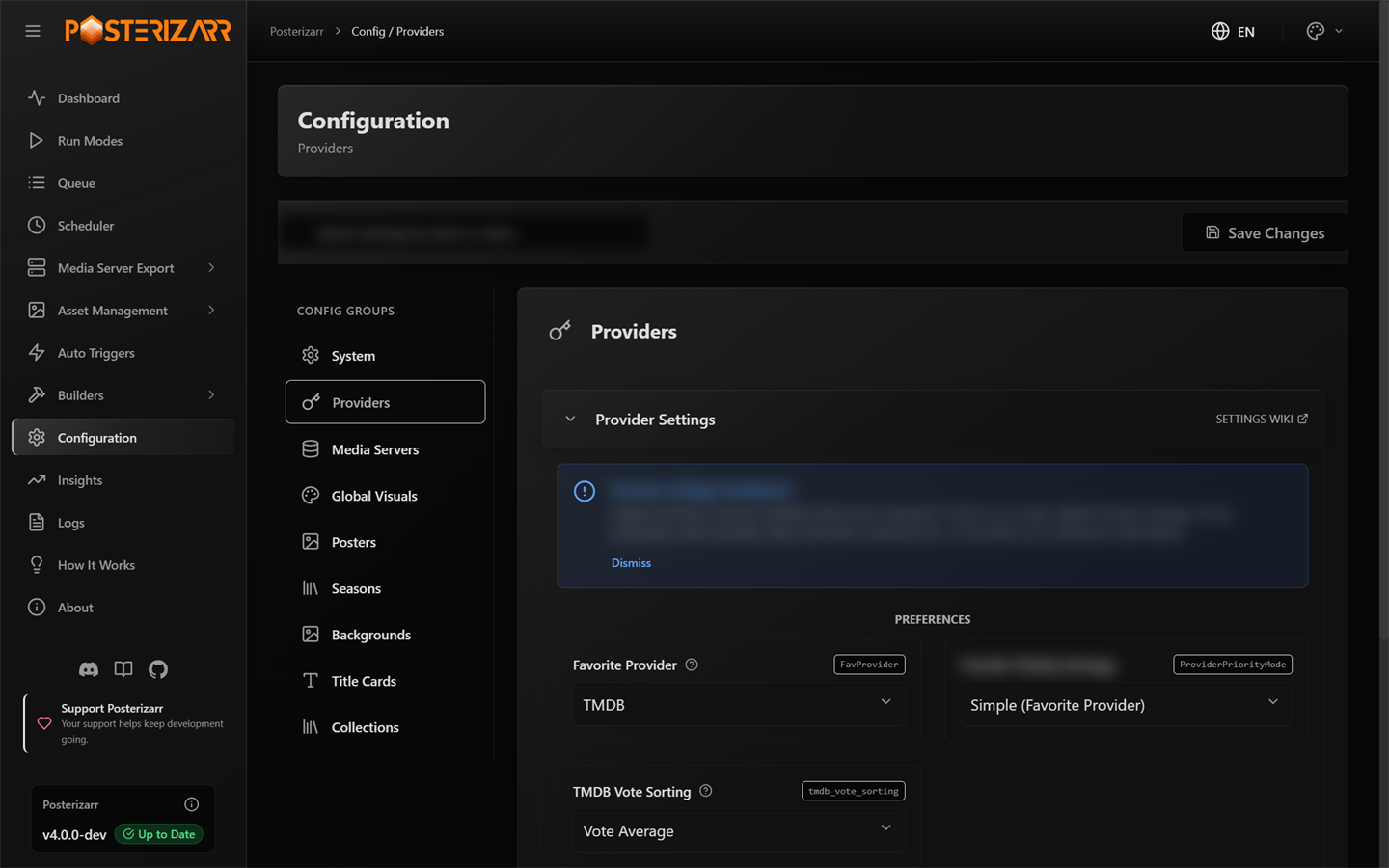
Navigate to Configuration > Providers to set provider credentials and search priority.
Connect a server and choose a test library under Configuration > Media Servers. Then add provider credentials and choose the artwork types to enable. Use the configuration guide for every setting and Run Modes and automation for schedules, Tautulli, Sonarr, and Radarr.
Full Documentation
| Start here | Use and maintain | Reference and integrations |
|---|---|---|
| Requirements · Installation · First-time setup · Manual PowerShell walkthrough · Web UI from source | UI map · Action Center · Blueprints · Artwork showcase · Plex Image Cleanup | Configuration · Provider search order · Platform & Tools · Networking · FAQs · Telemetry |
| Capabilities · Naming manual assets | Dynamic Overlays · Homepage API · Agregarr · Jellyfin plugin · Emby plugin · Kometa compatibility | API endpoints · PowerShell architecture · Backend architecture · Frontend components · LLM architecture · Docs preview workflow |
Supported Platforms
Docker, Unraid, Linux, Windows, macOS, and ARM deployments are covered in the installation and platform guides.
Privacy & Telemetry
Telemetry is optional and can be disabled with "telemetry": false in the configuration. The complete payload, retention behavior, and opt-out instructions are in Telemetry & Privacy. The worker implementation is in telemetry-worker/worker.js.
Contributing
Please review the Contributing Guidelines and Code of Conduct before submitting a pull request. Keep $CurrentScriptVersion in Posterizarr.ps1 and Release.txt synchronized as required by the contribution guide. Version synchronization supports update detection. The project maintainer reviews and tests AI-assisted UI and web changes before they are committed.
Made by fscorrupt and the open source community. Join the Discord, report a bug or request a feature, or support Posterizarr.